You'll feel right at home with our Classic, no-nonsense Klondike Solitaire experience.
We do things a bit differently here, but don't worry; you'll love how our new Kobra Mode button brings a simple
yet innovative twist to every game.
How-To-Play
*Desktop players kindly skip to Note #1*
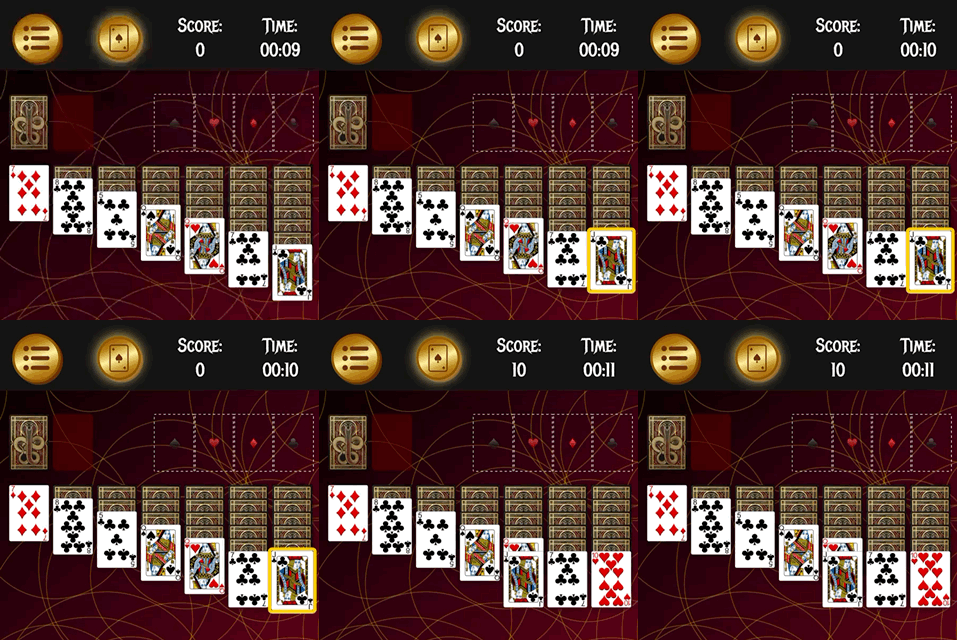
1. Tap the card you would like to move. It will glow yellow.
2. Tap the location you would like to move the card to.
Note #1: Desktop users have a drag and drop system. Simply click and drag the card you would
like to move to its desired location.
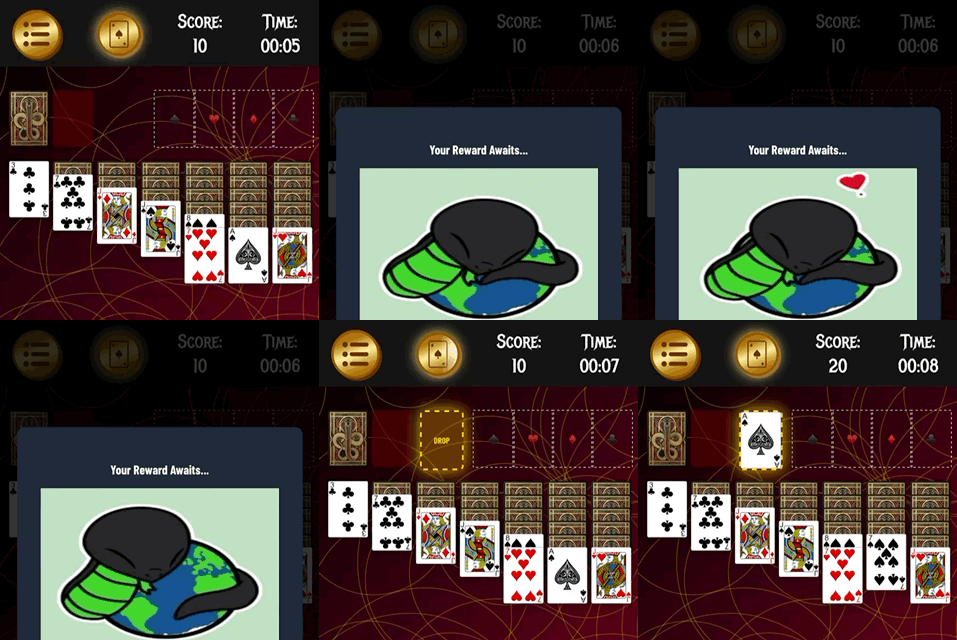
3. Have a card you can't get rid of? Tap/Click the Kobra Mode Button -the one with the card icon-
to unlock a FREE drop box without losing time or points.
Note #2: To avoid introducing intrusive ads that ruin the fun, there's a short 15-30s video ad that will play when you
use Kobra Mode. It serves as the sole monetization source of our game, and allows us to protect your gameplay.
Never played Klondike soliaire before? Don't worry, we have you covered with a beginner tutorial guide on how to play Klondike to get
you up to speed.